Circle packing
info
Charts are available with Avalonia Pro.
Circle packing is a variation of a treemap where nodes are represented as circles. Larger circles represent parent categories, with child categories nested as smaller circles inside them.
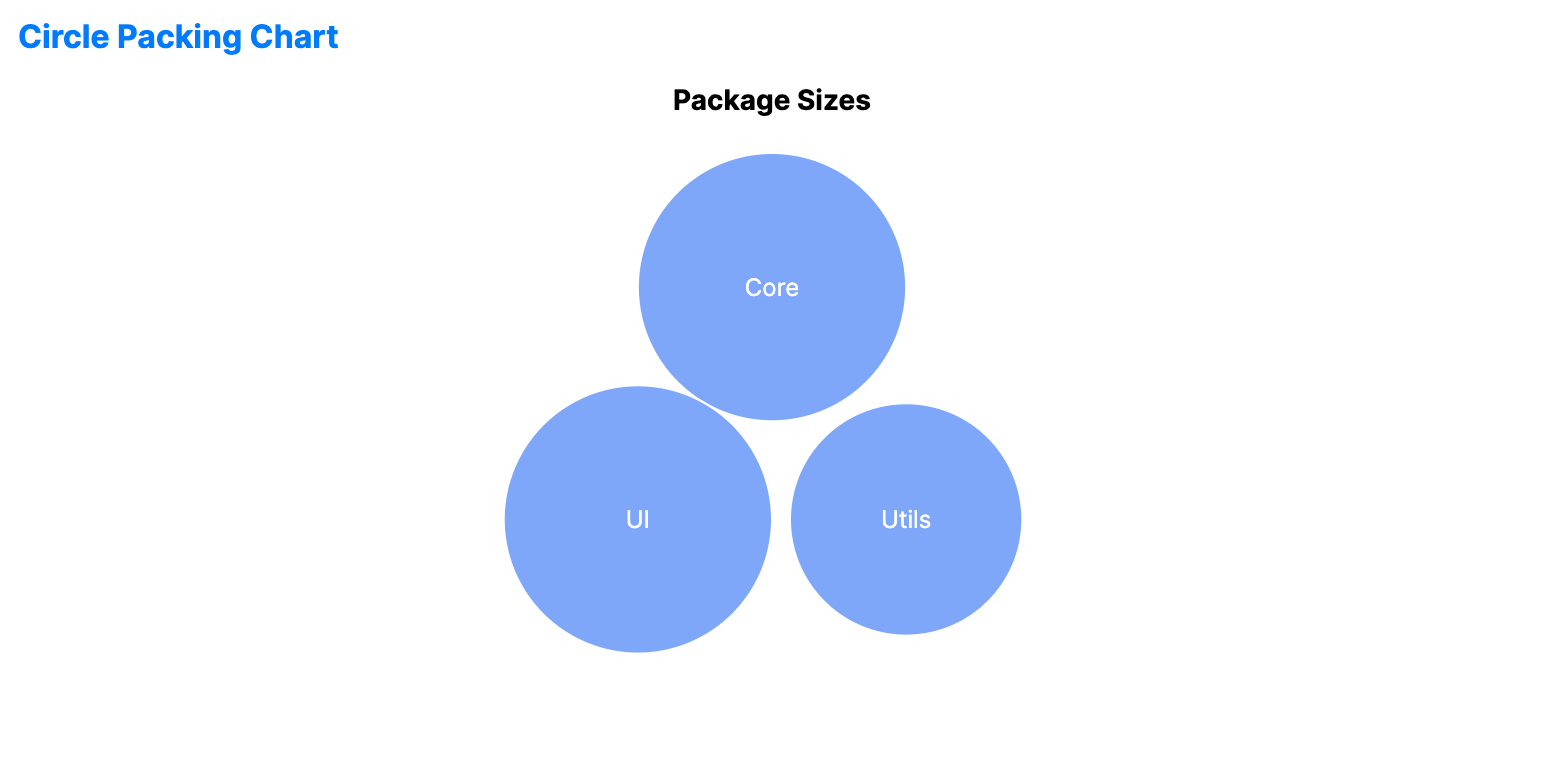
When to use
- Clustering: Visualizing groups and sub-groups in a visually appealing, organic way.
- Aesthetic overviews: Dashboards where a "bubble" visual is preferred over rigid grids.
- Relationship proximity: Showing how closely related different items are within a category.
Code example
XAML
<CirclePackingChart xmlns="https://github.com/avaloniaui" Name="CirclePackingChartSample" Title="Package Sizes" Height="350"
                             ItemsSource="{Binding CirclePackingData}"
                             ValuePath="Size"
                             LabelPath="Name" />
Data model (C#)
public record TreeMapItem(string Name, double Size);

public ObservableCollection<TreeMapItem> CirclePackingData { get; } = new()
{
    new("Core", 40),
    new("Utils", 25),
    new("UI", 35)
};
Common properties
| Property | Description | Default |
|---|---|---|
ItemsSource | The hierarchical items source. | null |
ValuePath | Size/Diameter of the circles. | null |
LabelPath | Text displayed near or inside bubbles. | null |
ChildrenPath | Path to the child collection for each node. | null |
CirclePadding | Padding between packed circles. | 3.0 |
Palette | Custom brush collection for the categories. | Auto-generated |