Waterfall chart
info
Charts are available with Avalonia Pro.
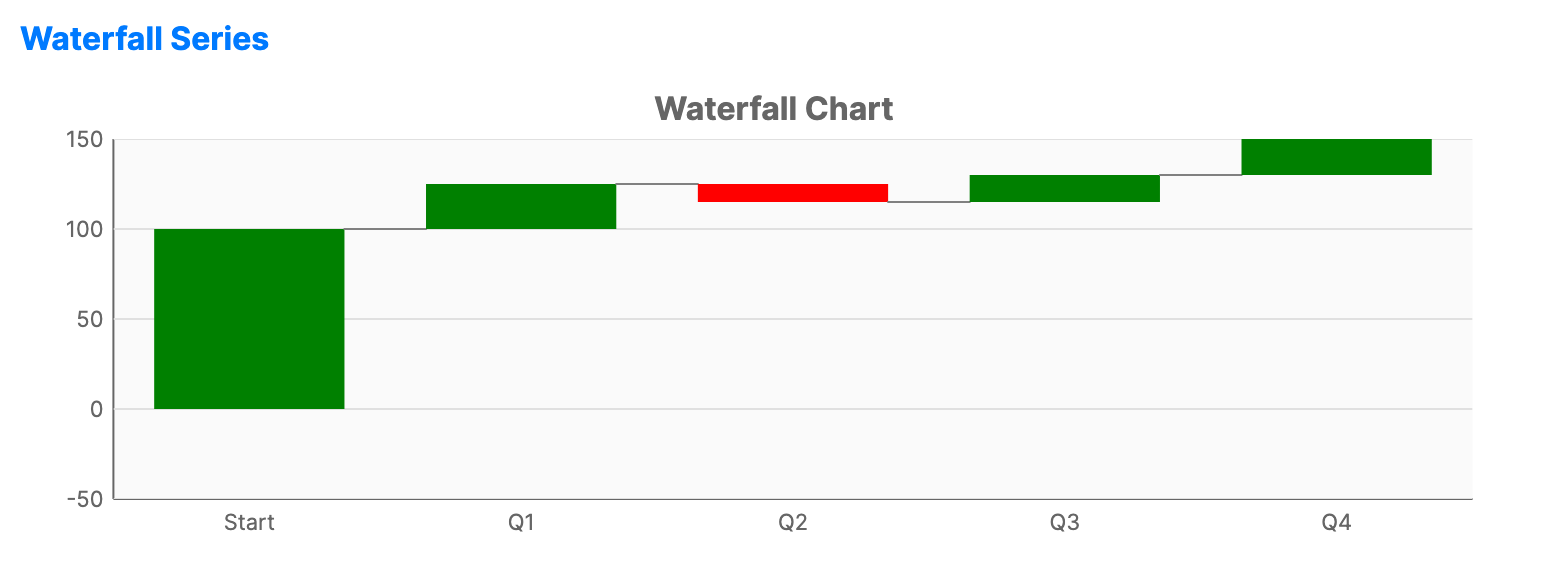
A waterfall chart shows a running total as values are added or subtracted. It's useful for understanding how an initial value is affected by a series of intermediate positive or negative values.
When to use
- Financial analysis: Visualizing P&L (Profit and Loss) statements over time.
- Inventory tracking: Showing how stock levels change with additions and removals.
- Process steps: Modeling the cumulative effect of sequential variables.
Code example
XAML
<CartesianChart xmlns="https://github.com/avaloniaui" Name="WaterfallChartSample" Title="Quarterly P&L Analysis" Height="300" ShowLegend="False">
<CartesianChart.HorizontalAxis><CategoryAxis /></CartesianChart.HorizontalAxis>
<CartesianChart.VerticalAxis><NumericalAxis /></CartesianChart.VerticalAxis>
<CartesianChart.Series>
<WaterfallSeries Title="P&L"
ItemsSource="{Binding WaterfallData}"
CategoryPath="Category" ValuePath="Value"
TotalCategory="Net Income" />
</CartesianChart.Series>
</CartesianChart>
Data model (C#)
public record WaterfallFinancialPoint(string Category, double Value);

public ObservableCollection<WaterfallFinancialPoint> WaterfallData { get; } = new()
{
    new("Revenue", 500.0),
    new("COGS", -200.0),
    new("Marketing", -50.0),
    new("R&D", -80.0),
    new("Admin", -40.0),
    new("Net Income", 130.0)
};
Common properties
| Property | Description | Default |
|---|---|---|
ItemsSource | The collection of changes. | null |
CategoryPath | Path to the label/category. | null |
ValuePath | Path to the change value (positive or negative). | null |
PositiveBrush | Brush for positive changes. | Theme-dependent |
NegativeBrush | Brush for negative changes. | Theme-dependent |
TotalBrush | Brush for the total (final) bar. | Theme-dependent |
BarWidth | Width of each bar as a fraction of the available category slot. | 0.7 |
ShowConnectorLines | Whether to draw connector lines between consecutive bars. | true |
TotalCategory | The category name that represents the final total. | null |