Avalonia for Visual Studio extension
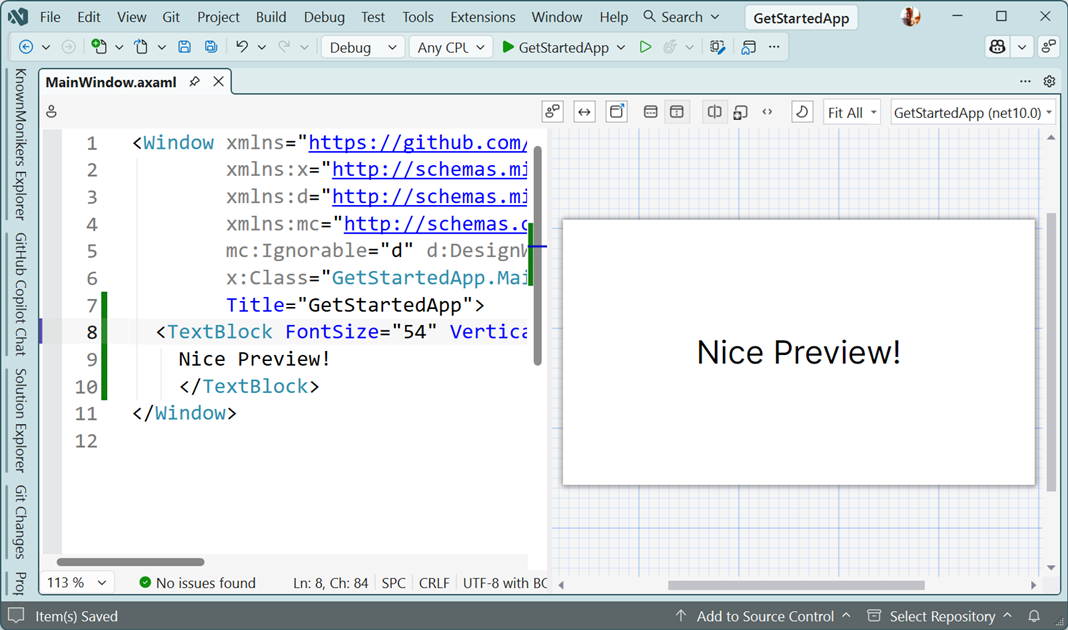
The Avalonia for Visual Studio extension provides an enhanced editor and a previewer, both intended to provide a superior experience working with Avalonia XAML files in Visual Studio.
Enhanced editor
The editor for Avalonia XAML includes the following capabilities:
- IntelliSense while typing
- Error highlighting and fix suggestions
- Automatic XAML namespace imports
- Full colorization of the XAML
- "Go To Definition" navigation
- Hover tips
- Automatic document formatting
- Outlining of the document so you can collapse elements
Previewer
The previewer allows you to see what the UI of the open file looks like, without needing to run the application.
For more information, see Previewing your UI design.
Installation
See Set Up Your IDE for installation instructions.
Settings
Multiple options are provided to allow you to configure the way the editor and previewer behave.
These can be accessed by selecting Options from the Tools menu inside Visual Studio.
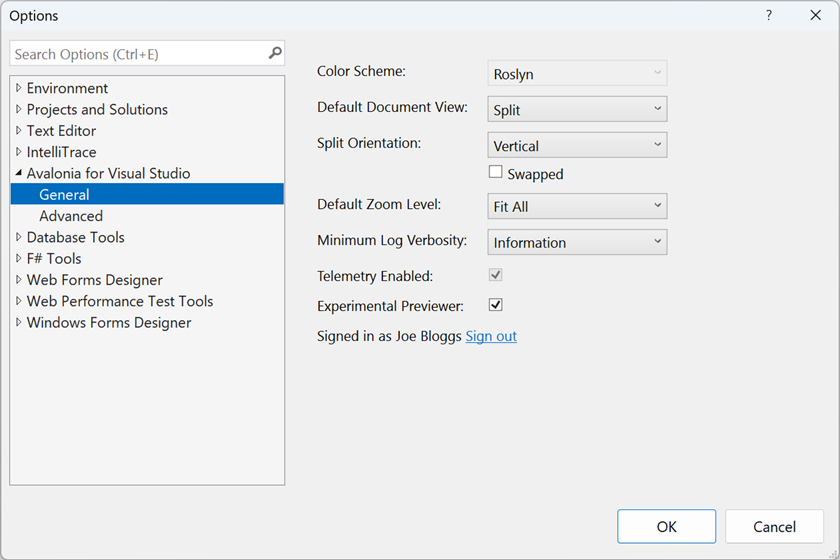
| Setting | Description | Options |
|---|---|---|
| Color Scheme | Controls how the AXAML file contents are colored. Requires a paid account to change. |
|
| Default Document View | What is displayed when a document is opened. |
|
| Split Orientation | Whether to split the orientation horizontally or vertically. |
|
| Swapped | Switch the positions of the editor and previewer in Split mode. | Checked: Positions are swapped. |
| Default Zoom Level | How the window content is sized. |
|
| Minimum Log Verbosity | Minimum LogLevel for the extension to produce log output. | Trace, Debug, Information (Default), Warning, Error, Critical, None |
| Telemetry Enabled | If basic usage telemetry should be reported. Requires a paid account to change. |
|
| Experimental Previewer | Use the new version of the previewer. Recommended for most users. |
|
| Signed in status | If signed in, shows the name of the account. | Link to sign in or out. |